

Full visibility without hounding your team
Pull instant progress reports that highlight completed courses, training hours, and active participation without spending hours wrestling with data.
Delegate authority without handing over the keys
Manage learners, assign team leads, and set up dedicated billing admins in seconds. Give managers visibility over their specific teams while you maintain overall admin control.
The right training for the right team
Group learners by team, department, or even office location. Assign group-wide training and track progress instantly. And when your new hire joins a department? Drop them into the team and get them on their learning path from day one.
Spot who's making progress and who needs extra support
Go beyond video view counts. Get a complete view of individual progress so you can identify top performers ready for new responsibilities, and help team members who might be stuck.
Stay on schedule
See what your team is enrolled in and how close they are to completion. Filter by individual or department to verify who's finished training and who still needs time.
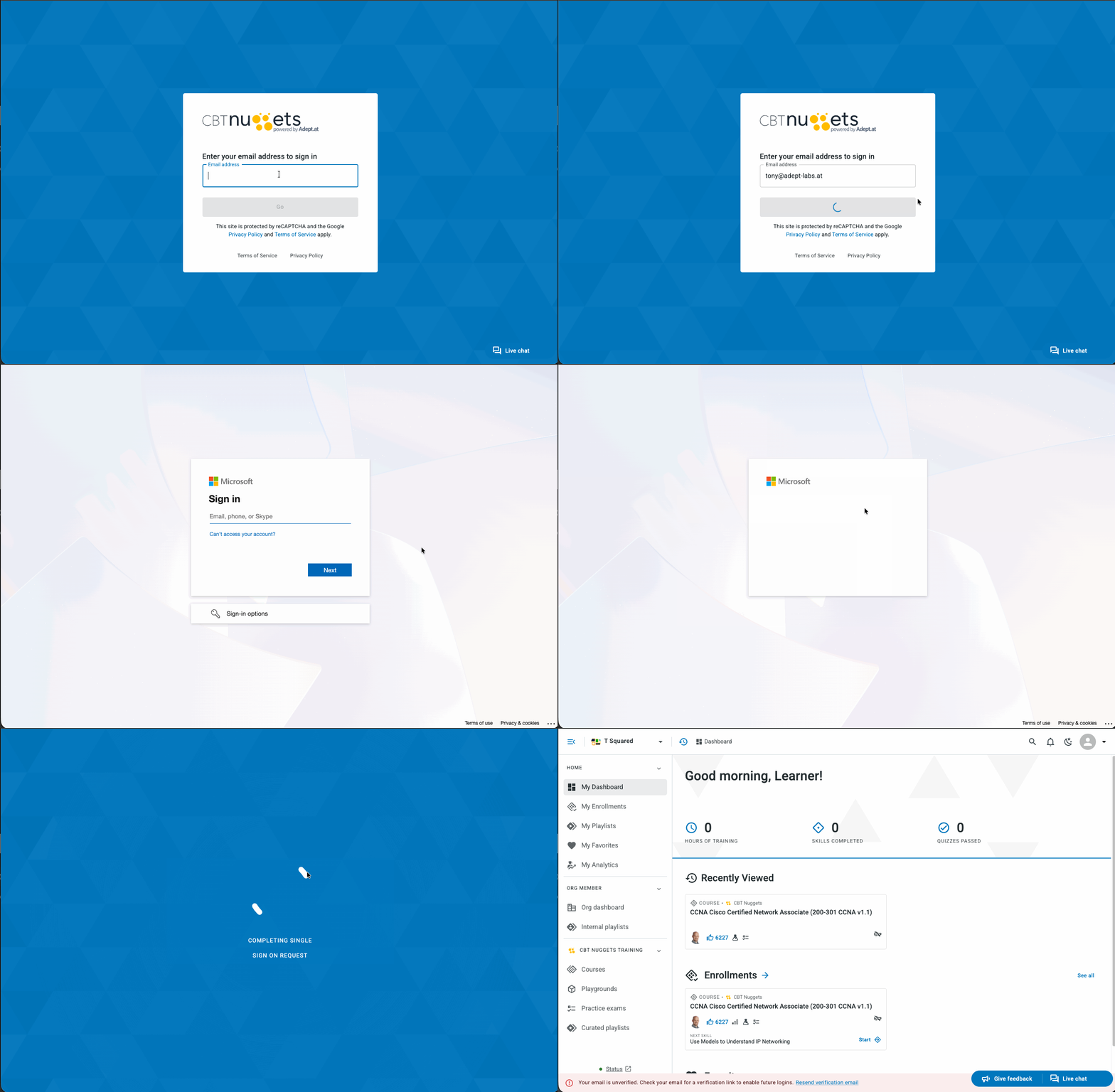
Single Sign-On (SSO)
Full SAML 2.0 support for Okta, Microsoft Entra ID (Azure AD), Google, and major identity providers, included with every Teams subscription. No extra cost.
More Platform Tools
Built for how IT teams work
Playlist enrollment, IT Trainerbot, internal content hosting, and LMS integration in one platform.
What every Teams seat includes
- The full CBT Nuggets course catalog
- Every training video in every course
- Hands-on virtual labs
- Hours of expert-led training in every course
- In-course practice questions
- Assessment question banks: pre-assessments, post-assessments, and certification practice exams
- IT Trainerbot, answering IT questions from CBT Nuggets training content